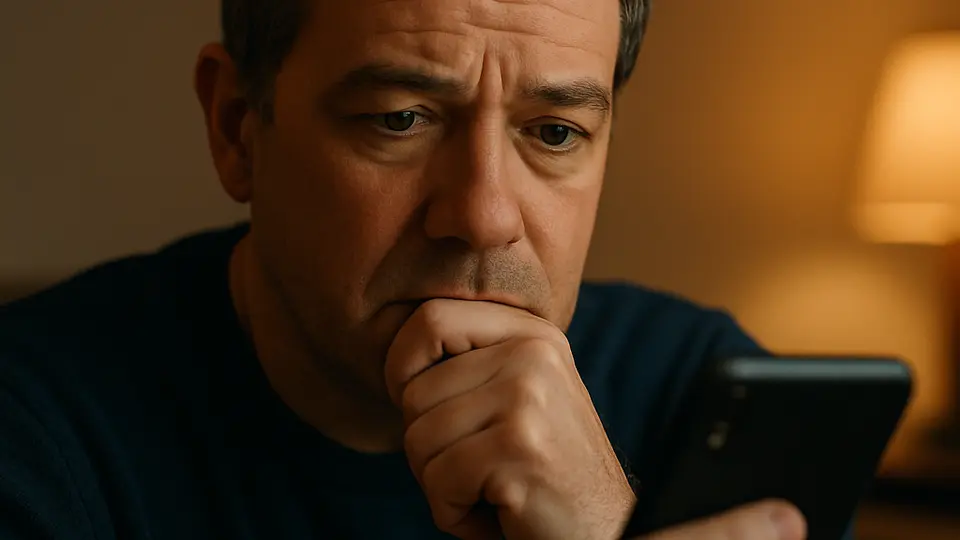
Write down your own stories and the person's name first, then ask ChatGPT to help with the structure rather than the whole text. Edit the draft until you would honestly say every line, and read it aloud to check the timing. Most toasts work best at about two to three minutes, so shorter is safer.
Someone asks you to "say a few words" at a birthday, an anniversary or a retirement party, and suddenly a blank page looks very large. ChatGPT can help you get past that blank page. What it cannot do is know your friend, your sister or your colleague. So the best way to use it is as a helper for the shape of the speech, while the stories and the feeling stay yours.
How to Write a Toast with ChatGPT's Help
Write your own notes first
Before you open ChatGPT, take five minutes with paper. Write the person's name, how you know each other, and two or three real moments: something funny that happened, something kind they did, something that shows what they are like. Short notes are enough, not full sentences. This is the part the AI cannot do for you, and it is what makes the speech worth listening to.
Tell ChatGPT the occasion and the length
Paste in your notes and say what the event is and how long you want to speak. For example: "I am giving a short toast at my father's 70th birthday dinner. Here are my notes. Please suggest a simple outline for about two minutes, in a warm and plain tone. Only use the details I gave you." That last sentence matters, because otherwise the AI may invent stories that never happened.
Ask for a structure, not a finished speech
A short toast usually follows a simple path: say who you are and how you know the person, tell one brief story that shows who they are, say what you wish for them, and finish by inviting everyone to raise a glass. Ask ChatGPT to arrange your notes in that order and to give you two or three possible opening lines. Then choose the one that sounds most like you.
Rewrite it in your own words
Read the draft and cross out every sentence you would not say out loud to a friend. Swap grand phrases for ordinary ones, and cut anything that sounds like a greeting card. Keep the story to one, told well, rather than three told quickly. If a joke needs a long explanation, or only a few guests would understand it, leave it out.
Practice out loud and time it
Say the toast aloud at least twice, standing up, at the speed you would really speak. Time yourself. Toastmasters, a public speaking organization, advises keeping toasts to about two to three minutes and recommends rehearsing out loud. If you run over, cut a sentence or a whole detail rather than speaking faster.
Prepare how you will hold it on the day
Print the toast in large type or write the main points on a few notecards. Phones can lock or dim at the wrong moment. Keep the last line, the toast itself, somewhere you can find it quickly. Then look up at the person you are honoring when you say it.
Ideas for Different Occasions
Birthday. Keep it light. One small story about the person and one wish for the year ahead is plenty.
Anniversary. Talk about the couple, not yourself. A single moment that shows how they treat each other says more than a list of compliments.
Retirement. Mention what the colleague taught you or how they made the workplace better, then wish them well for their free time. Avoid inside jokes that guests from other teams will not understand.
Thank-you speech. Name the people you are thanking out loud, and say one specific thing each of them did.
What to Watch Out For
Invented details. If your notes are thin, ChatGPT may fill the gaps with nice-sounding things that are not true. Read every line and ask whether you know it to be true.
Private information. Do not paste in health details, money matters or family conflicts. Our guide on what not to tell an AI chatbot explains where to draw the line.
Sounding unlike yourself. If the speech has words you never use, your guests will notice. Plain words win.
Going on too long. A short toast that people remember beats a long one they politely sit through.
What to Try Next
If you are asked to speak at a funeral instead, our guide to writing a eulogy with ChatGPT covers that more serious situation. For wedding events, see AI wedding planning.
Sources
- How to Give a Toast — Toastmasters International
- How to Write and Deliver a Speech — Toastmasters International